Incentivize Liquidity
Cypher lets users and partners launch liquidity reward campaigns directly in the dApp — rewarding LPs for providing liquidity.
Follow these steps to create a campaign:
Step 1 — Open the Campaign Creator
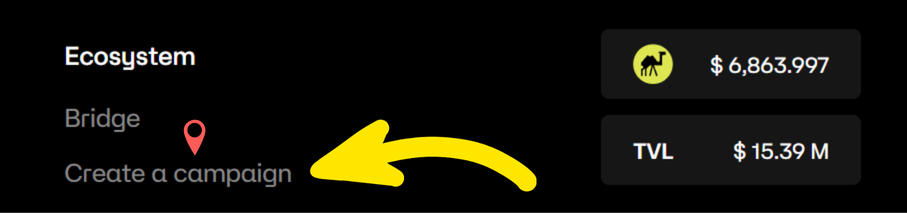
- Go to the Cypher dApp.
- Scroll down to the bottom fotter Ecosystem section.
- Click Create a Campaign to open the creation interface.
Step 2 — Fill Out Campaign Details
1️⃣ Select AMM Mode
Choose the relevant AMM version (V2 or V4) for your campaign.

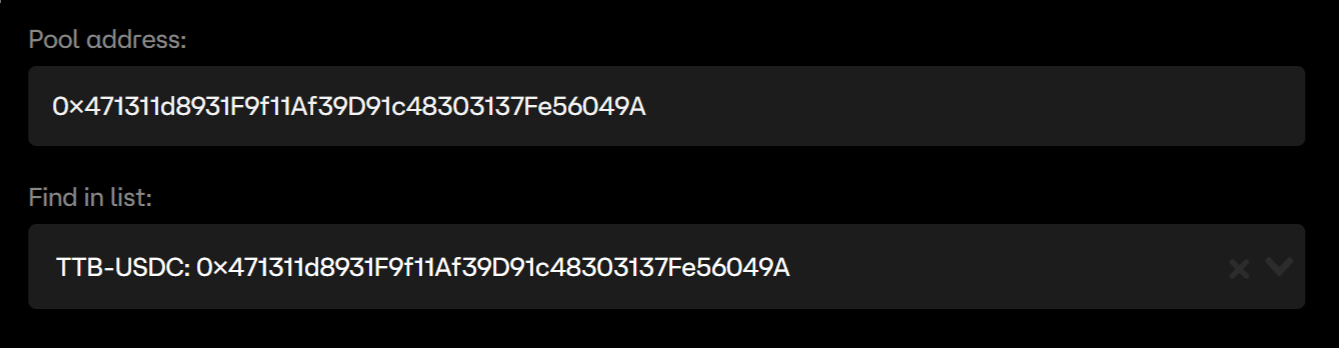
2️⃣ Select Pool Address
Pick your pool in one of two ways:
- Manual input: paste the pool address.
- Dropdown: choose from the available pools in the list.
3️⃣ Set Date Range
- Start date: must be at least 3 hours in the future.
- End date: automatically aligns with your start time.
- Minimum duration: campaigns must run for at least 24 hours.

4️⃣ Set Rewards Token & Amount
- Select token: choose your reward token from the dropdown.
- Enter amount: make sure it meets the minimum daily reward requirement.
- If your token isn't listed, contact the Cypher team to have it whitelisted before creating your campaign.

If the minimum daily reward for a token is 50 and you set it to 30, the campaign will not be validated.
This ensures a baseline quality and prevents spam/low-value campaigns.
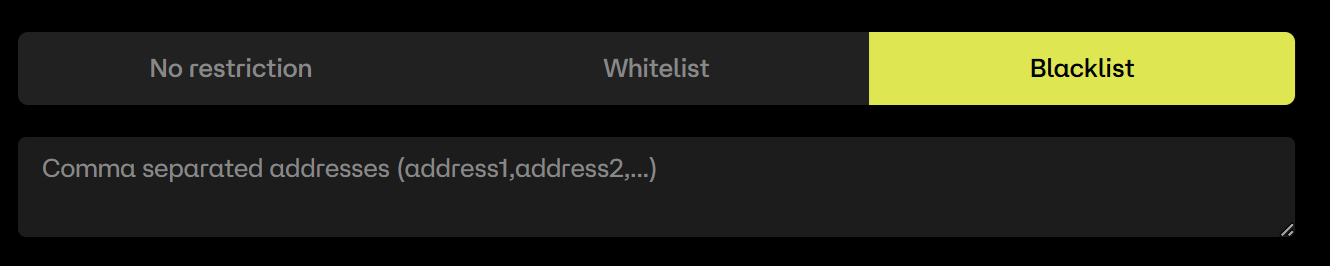
5️⃣ Address Restrictions (Optional)
- Blacklist Mode: exclude specific addresses from rewards.
- Whitelist Mode: restrict rewards to specific addresses only.
6️⃣ Additional Options (Optional)
Distribute rewards using weights for Fees, Token A, and Token B — the sum must equal 100%.
- Fees: distribute based on fees generated by a position.
- Token A: distribute based on Token A holdings in a position.
- Token B: distribute based on Token B holdings in a position.

Examples
- Fees = 100%: rewards depend entirely on fees; token holdings don't matter.
- Fees = 70%, TokenA = 10%, TokenB = 20%:
- 70% from fees generated
- 10% from Token A holdings
- 20% from Token B holdings
Step 3 — Confirm & Submit
✅ Review Inputs
Double-check:
- Pool and token
- Date range and duration
- Reward amount
- Restrictions and weight configuration
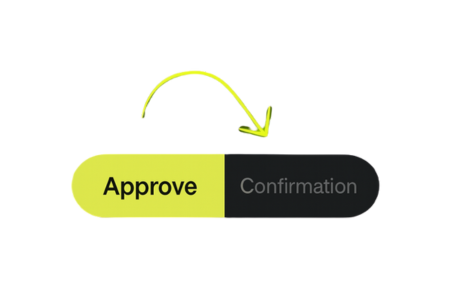
🧾 Confirm Transaction
Approve and confirm the transaction with your connected wallet to finalize the campaign.
After submission, it may take a few minutes for a new campaign to appear in the interface.
- Minimum duration: 24 hours
- Minimum daily reward thresholds must be met
Campaigns that don't meet these rules will be rejected automatically.